Blazor
Build Interactive Web Apps with C#
🚀 Fast ⚡ Interactive 🔧 Full-stack
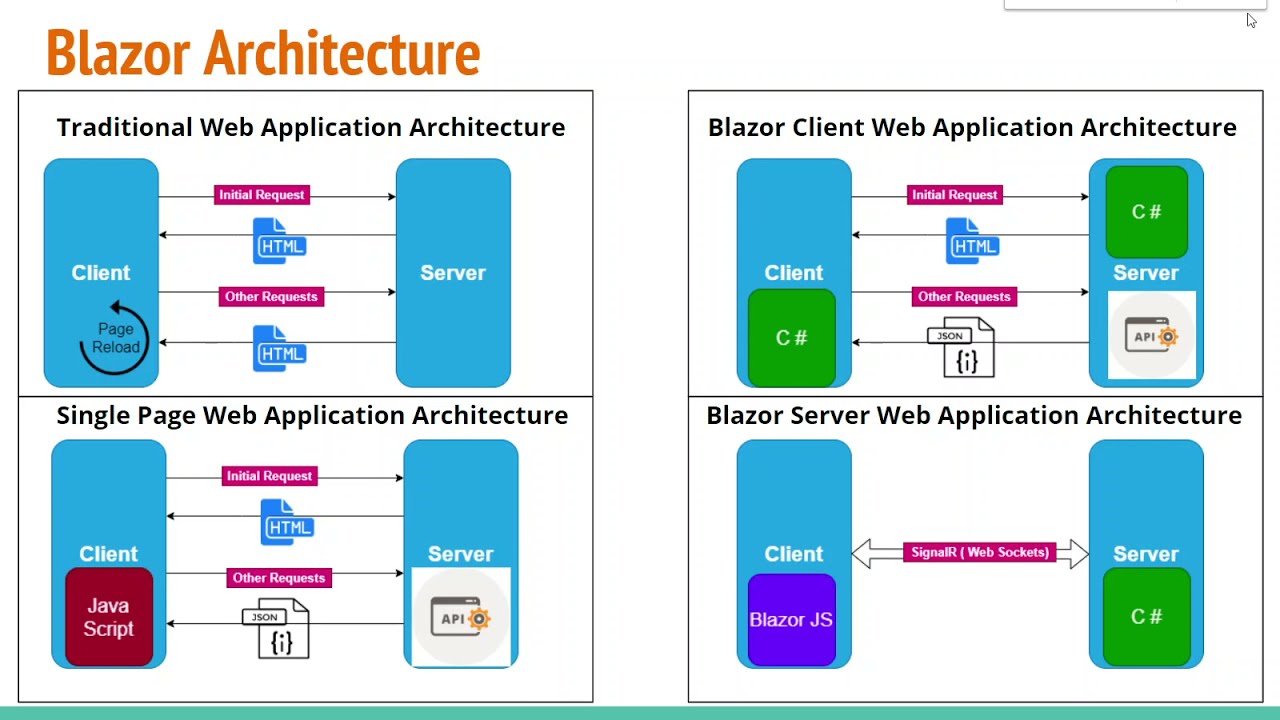
Environment Setup
📦 Prerequisites
- ▸ .NET 8.0 SDK or later
- ▸ Visual Studio 2022 / VS Code
- ▸ C# Dev Kit Extension (VS Code)
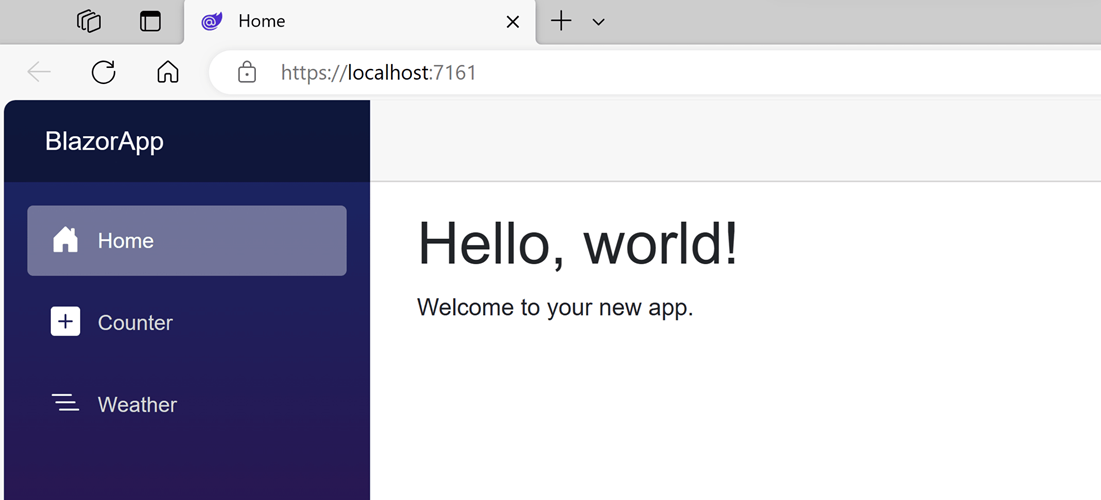
Blazor Components
Key Features
○ Routing with @page
○ Two-way data binding
○ Event handling
○ Lifecycle methods
Structure
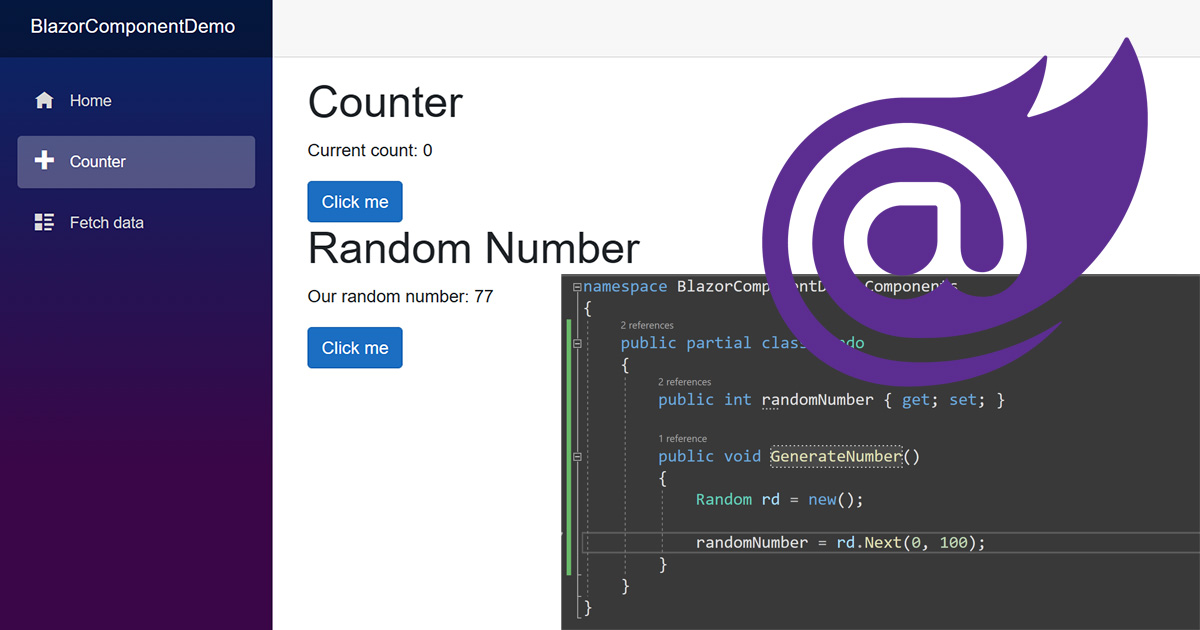
Data Binding & State
Binding Types
One-way binding:
Hello World!
Event binding:
Building a Todo App
1. Define Model
2. Create Component
3. Add Features
- + Add new todos
- ✓ Mark as complete
- 🗑 Delete todos
- 💾 Persist to database
- 🎨 Style with CSS
🎯 Result: A fully interactive todo app with C# running in the browser!
🚀 Ready to Build with Blazor!
What We Learned
- ✅ Environment setup
- ✅ Component structure
- ✅ Data binding
- ✅ Event handling
- ✅ Building interactive UIs
Next Steps
- 🔥 Forms & validation
- 🔥 Routing & navigation
- 🔥 State management
- 🔥 API integration
- 🔥 Authentication
Learn more at blazor.net